June 2026
Publish from anywhere, safely
ooda publish, from your own machine
Whatever your agent builds, one command puts it in front of your team. No hosting to set up, and nothing to click, so an agent can do it end to end (CLI 0.1.14). Get started.
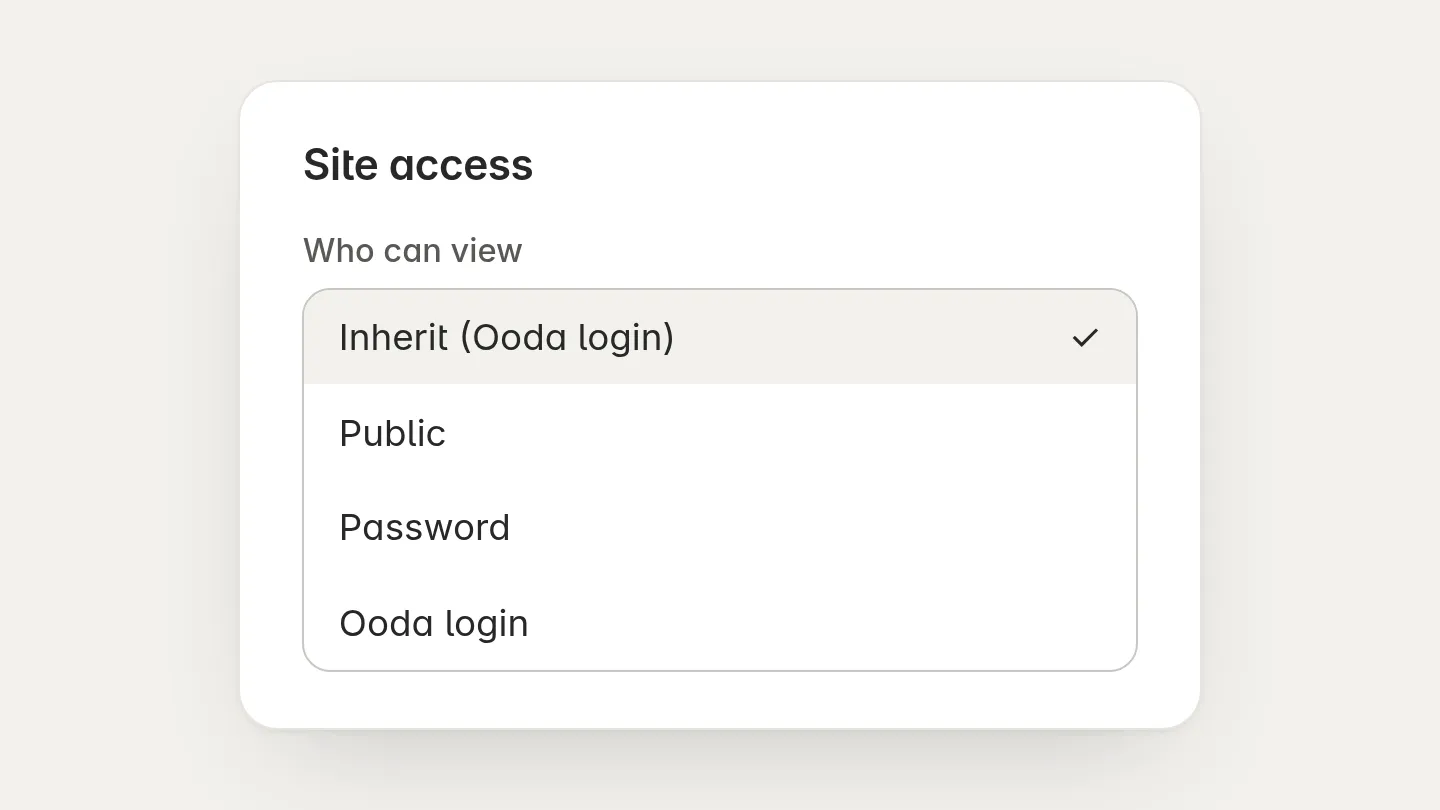
Every site has a gate
Prototypes often hold things that shouldn’t be public. Every site is team-only unless you choose otherwise, so sharing safely is the default rather than something to remember. Access control.
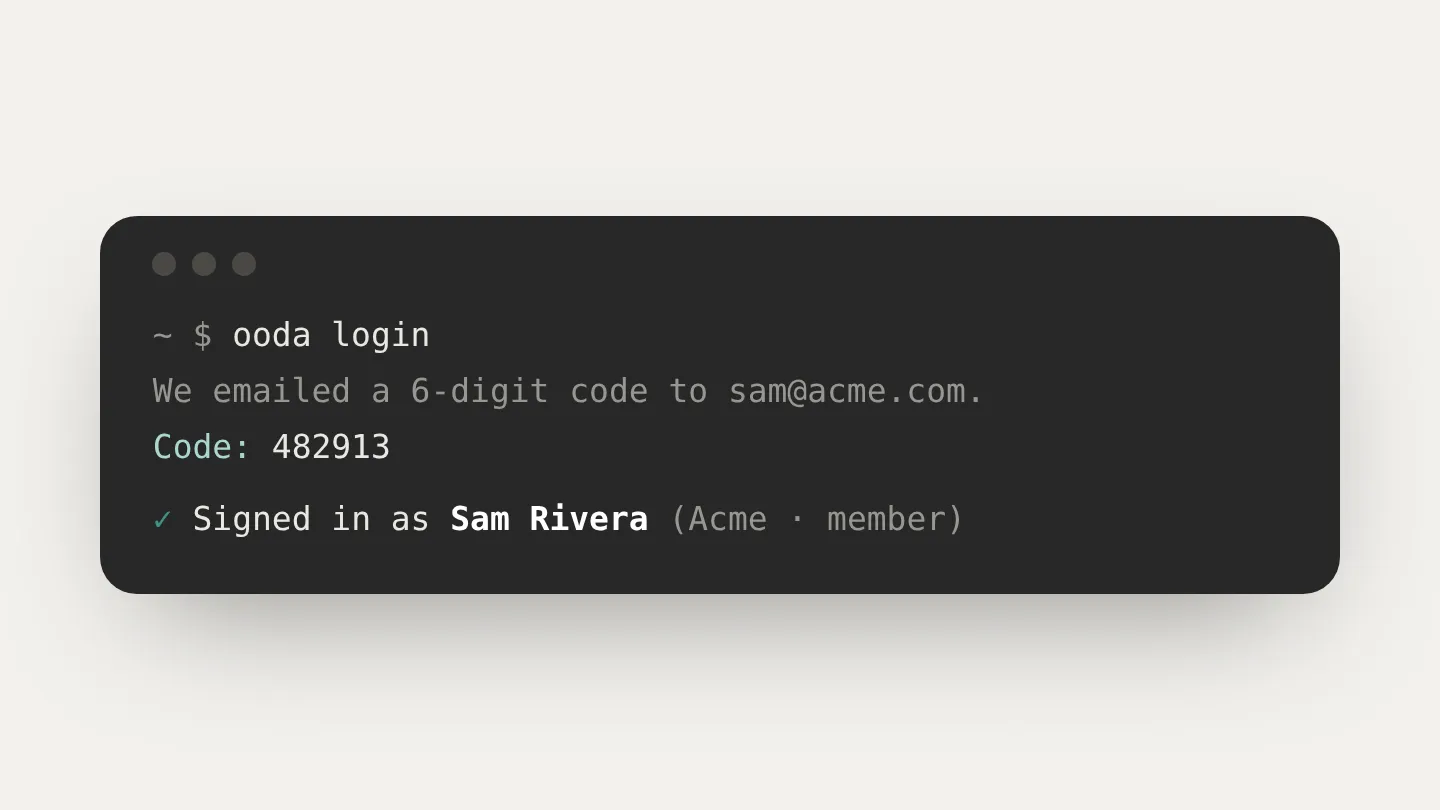
Signing in
No passwords to manage: ooda login emails a code, and sessions last (CLI 0.1.15). Sign in.
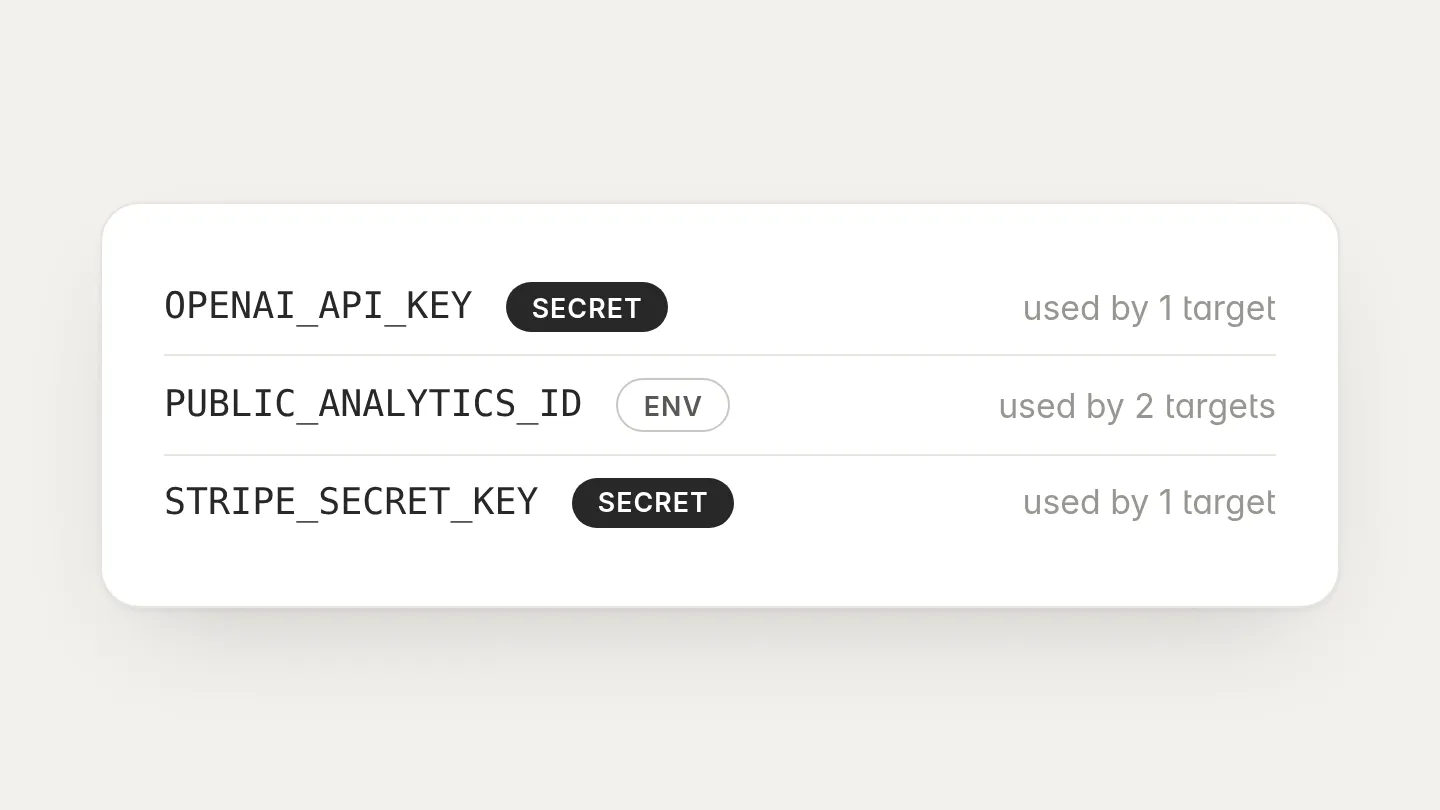
Env vars and secrets
Sites that call real APIs need keys, and keys in a browser get stolen. Secrets now stay on ooda’s server and are added to requests on the way out (CLI 0.1.24). How it works.
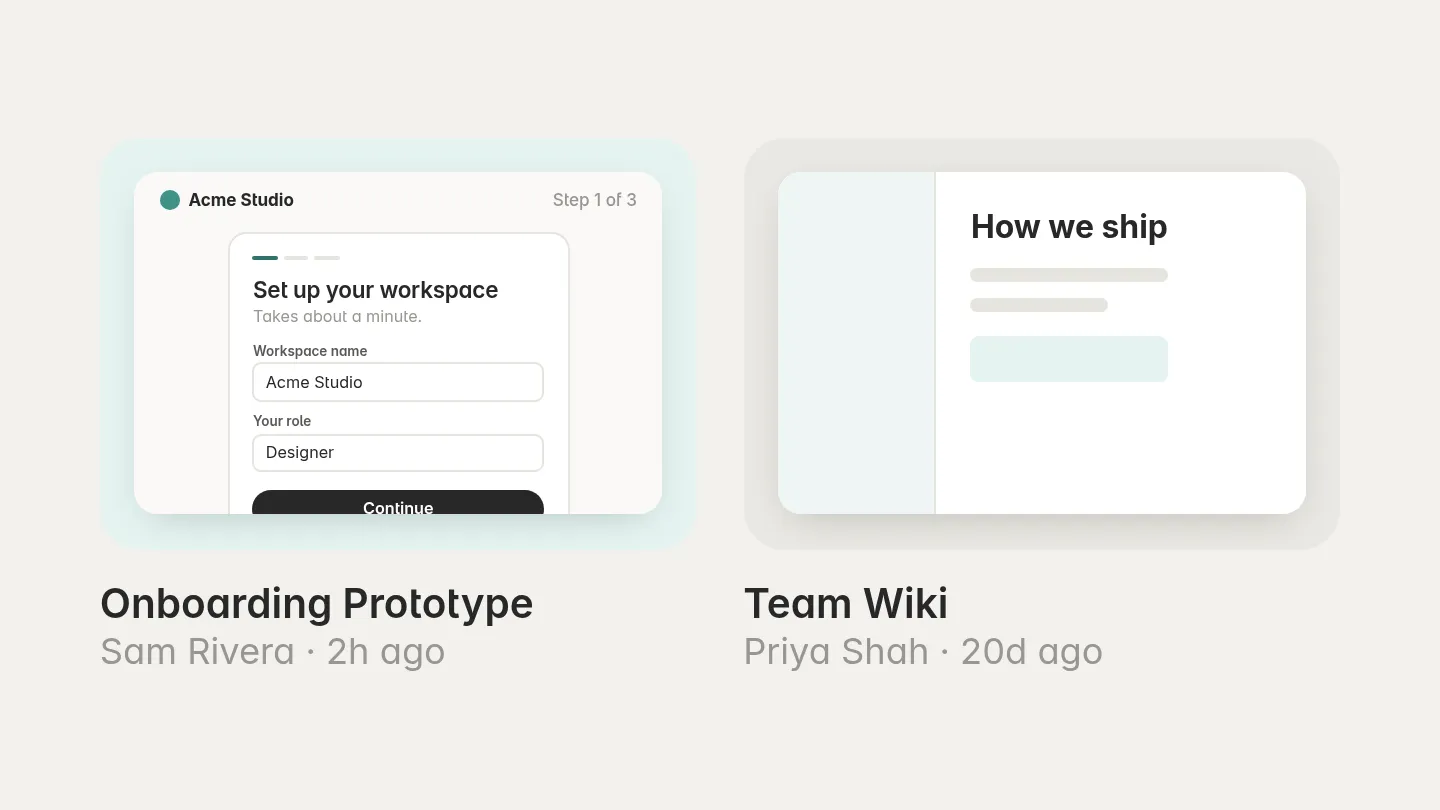
Sites that read well
A list of slugs tells your team nothing. Sites now have titles, descriptions, tags and thumbnails, so people can find the one they want (CLI 0.1.25). ooda.json.
Also
- A branded page for visitors who aren’t allowed in.
- Multi-page sites work.
- An agent skill, so your agent knows how to use ooda.
- A new look for the dashboard, emails and this site.