What are Claude artifacts?
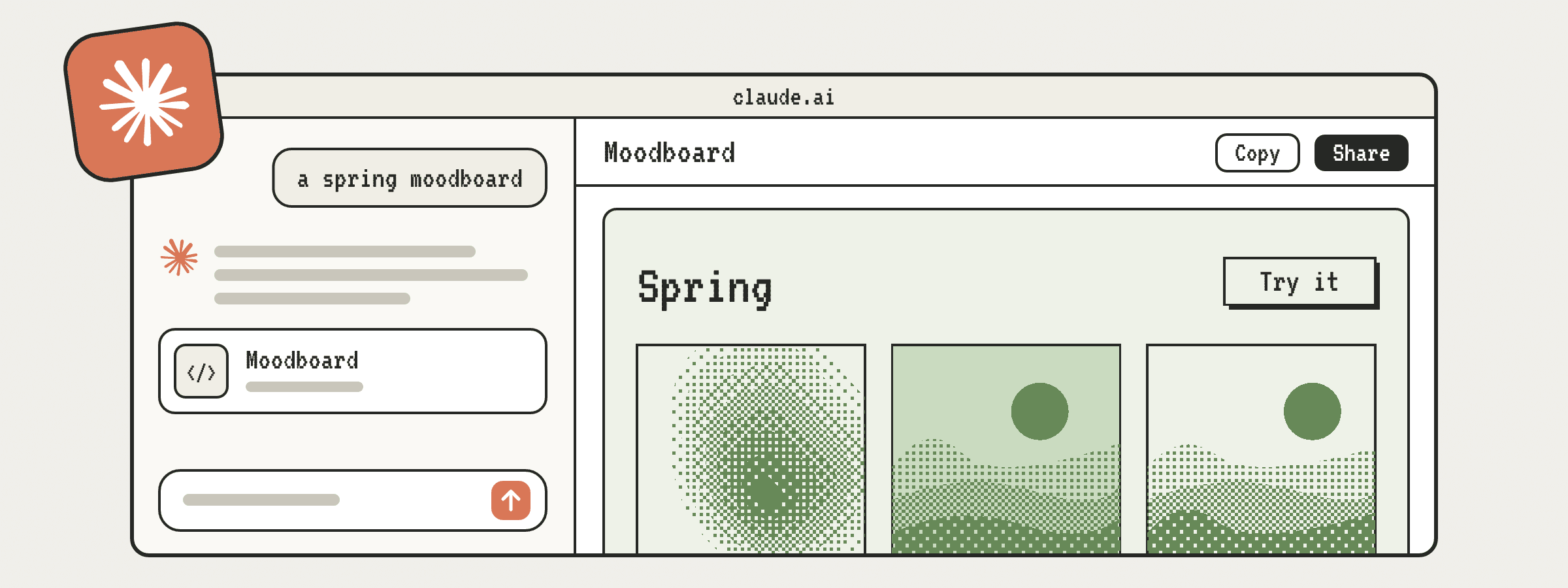
An artifact is anything Claude makes that you'd put in front of someone: a doc, a deck, a design, a dashboard or a small interactive tool. It opens beside the chat, and you can edit it, come back to it and share it.
Checked against Anthropic's docs on 7 November 2026.
The short answer
When you ask Claude for something substantial and self-contained, it puts it in an artifact instead of the chat. That’s usually more than about 15 lines, something you’d want to edit or reuse, that makes sense without the conversation around it.
Every artifact is saved to the Artifacts tab in Claude’s sidebar, so you can find it from any chat. Artifacts work on every plan, Free included.
The templates
Since September 2026 you can start an artifact from a template, either in the Artifacts tab or with Output in the message box.
- Docs: documents you write with Claude and your team in real time. Exports to Word, PDF, Markdown or Google Docs.
- Slides: decks built from your notes or the chat. Present inside Claude, or export to PowerPoint, PDF or Google Slides.
- Design: mockups, prototypes, one-pagers and landing pages, in your design system if you’ve set one up. Exports to HTML, PDF, PowerPoint or a .zip.
- Dashboards (beta, paid plans): charts built from your data platforms or connected apps. Each chart shows its query and when it was last refreshed.
- Motion (beta, Team and Enterprise): animated explainers and walkthroughs, exported as MP4.
You edit any of them by asking Claude, or directly on the page. Without a template, Claude can still make code, single-page websites, diagrams, images and small tools.
What an artifact can do
- Call Claude. An artifact can ask Claude questions, which turns it into a small app: a quiz, a writing coach, a game. It needs no API key. Usage counts against each person’s own plan, not yours.
- Use your connected apps (paid plans). An artifact can read and write tools like Asana, Google Calendar and Slack. Each person who opens it uses their own connections, never yours.
- Store data (paid plans). Up to 20 MB of text per artifact, either private to each person (a journal) or shared by everyone (a leaderboard).
Artifacts need Create and edit files turned on in Settings → Capabilities. On Team and Enterprise plans, an owner turns it on for the organisation.
Legacy and live artifacts
Artifacts made in a chat before 16 September 2026 are legacy artifacts. They still work and you can still share them, but they use the old “Publish” button and its rules. You can’t make new ones.
Live artifacts was the name for the dashboards and trackers Claude built in Cowork from April 2026. Since 19 August 2026, Cowork makes ordinary artifacts instead, and “live artifact” only means one made before that date. You can still open and share those, but not edit them in place. To change one, republish it as a new artifact. Organisations using customer-managed keys, zero data retention or a HIPAA-ready setup still make live artifacts.
Claude Code artifacts
Claude Code publishes artifacts too: a page on claude.ai built from the session, like a pull request walkthrough or a dashboard of the session’s data. It updates in place as the session goes on, and each publish is a version you can share.
They’re stricter than chat artifacts:
- One self-contained page, up to 16 MiB, with no backend and no second route.
- No external images, and scripts only from five public CDNs. The page can only fetch from its own origin.
- Paid plans only, signed in with a claude.ai account. Sessions on an API key, an LLM gateway, Bedrock, Google Cloud or Microsoft Foundry can’t publish.
- Off by default in
claude -p, the Agent SDK, the GitHub Action and MCP-server contexts.
Where artifacts stop
An artifact lives in Claude. Opening one inside your company means signing in to your Claude organisation, so each reader needs a seat. Pages made in ChatGPT, Cursor or an open-weight model can’t join them. How to share a Claude artifact covers who can open what.
Share it beyond Claude with ooda
ooda is a private place to publish what Claude, or any other model, builds. Your team opens it without a Claude seat.
Connect ooda to Claude
In Settings → Connectors, add a custom connector with the address https://api.ooda.run/mcp.
Ask Claude to publish
"Publish this to ooda." It sends the page's files and gives you the link.
Your team opens it
It's private to your team by default. Teammates sign in with Google or an emailed code. Members are free.